How do I reset a user's password?
To reset a user's password, go to Users in the left navigation menu, select the account, and click Reset Password. A password reset email will be sent to the email address associated with that user's account. Follow the steps below.
- Click Users in the left navigation menu.
- Click on the account whose password you want to reset.
- Click Reset Password at the top left of the screen.
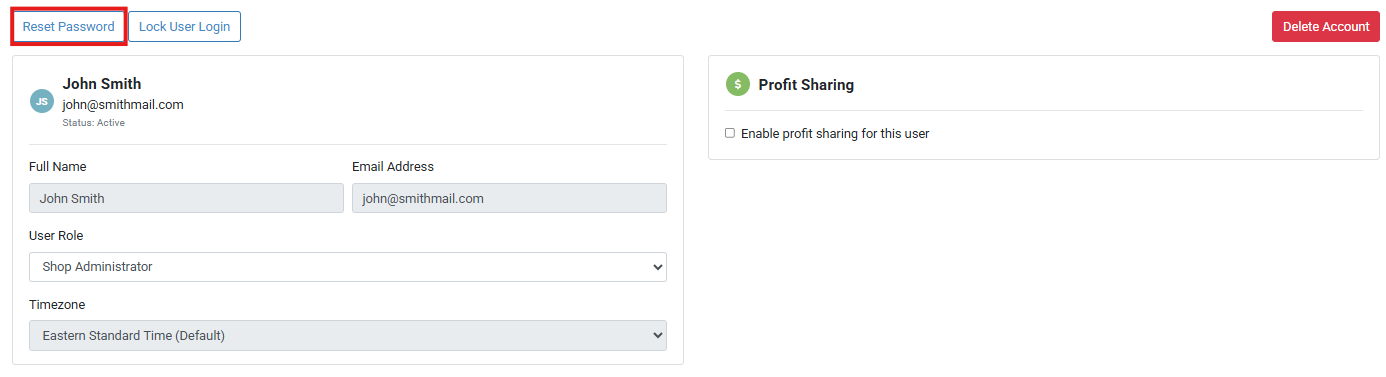
A password reset email will be sent to the email address associated with the user's account.